01/06Menu bar
The summary
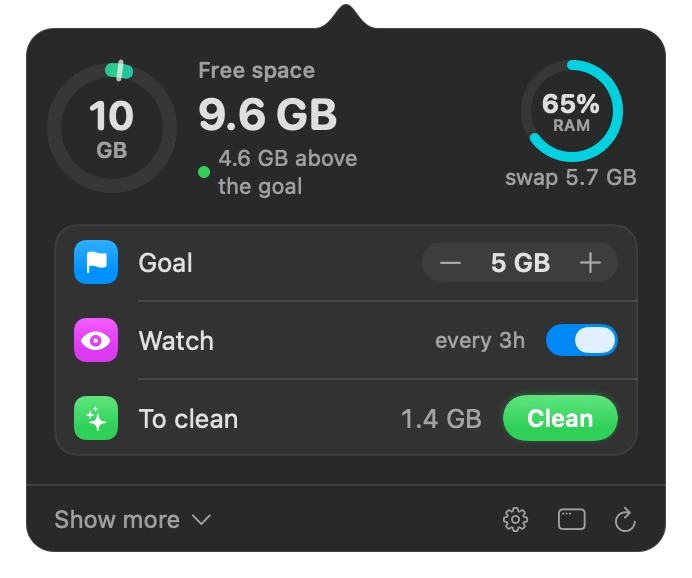
Available space in a ring with your target, memory in another, the watch and how much can be cleaned now.
For Mac · Intel and Apple silicon
KeepFree finds the GB that Finder hides, like caches, logs and developer and AI leftovers. It cleans only what rebuilds itself and keeps the rest for 7 days, with undo.
On a real Mac: from 3.6 GB to 43.2 GB free in one day. KeepFree's own history, October 16, 2026.
In 1.5 minutes
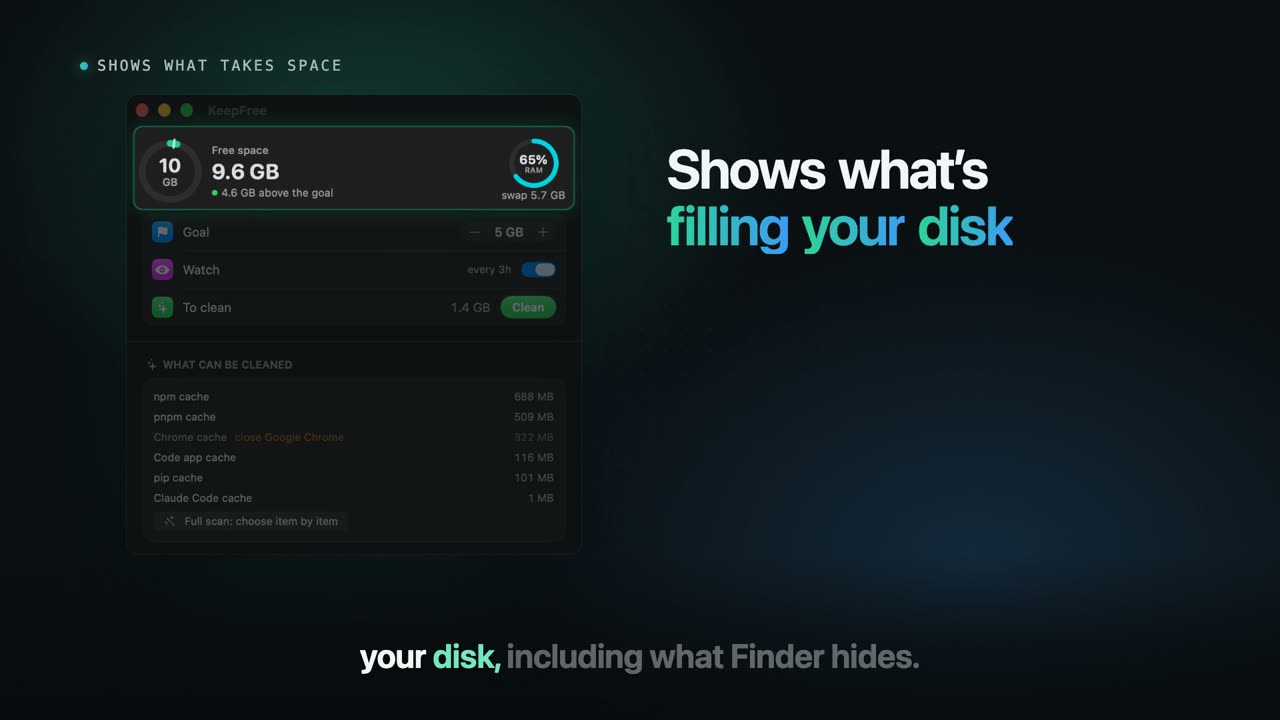
The problems every Mac user runs into, and what KeepFree does about each one: it shows what fills your disk, cleans only what rebuilds itself, keeps the rest 7 days with undo, and keeps watch on its own.
On a real Mac, its maker's, available space went from 3.6 GB to 43.2 GB in one day of use (October 16, 2026, from KeepFree's own history).
The problem
How it works
KeepFree looks at the disk and memory. The safe junk it shows and cleans; what is yours only goes if you check it, and even then it is kept for a while.
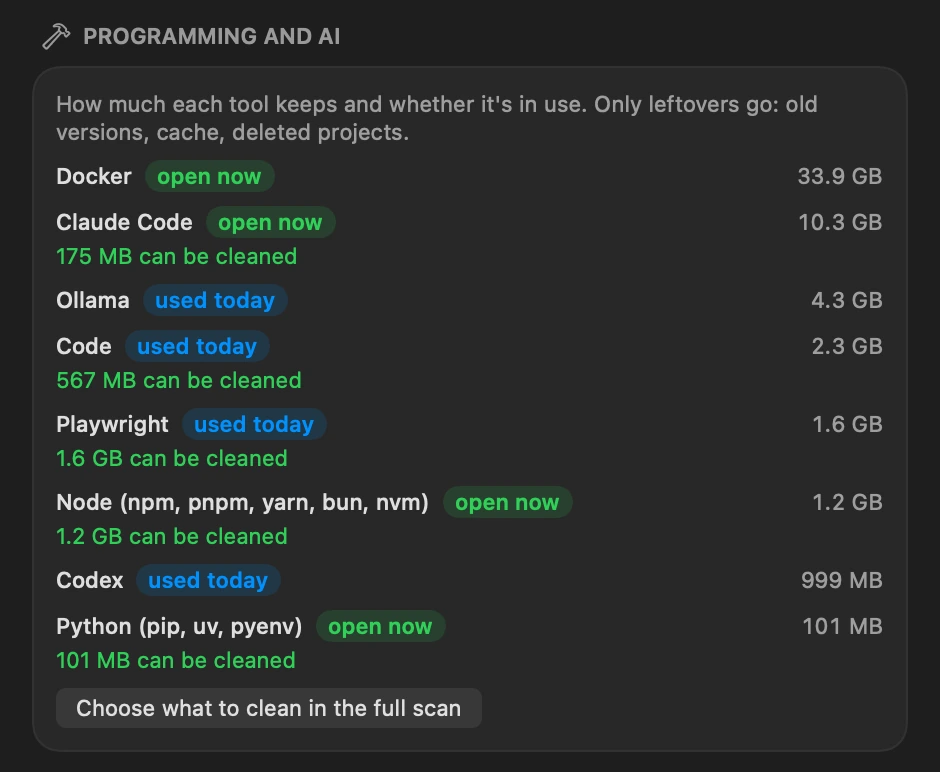
Each developer and AI tool gets a badge: open now, used today or idle. Open apps are left out, and from each tool only the leftovers go, like old versions and caches of deleted projects.
Only the safe junk
It sweeps caches, old logs and crash reports and lights up each find. What is in use waits: with Chrome open, it asks you to close it first.
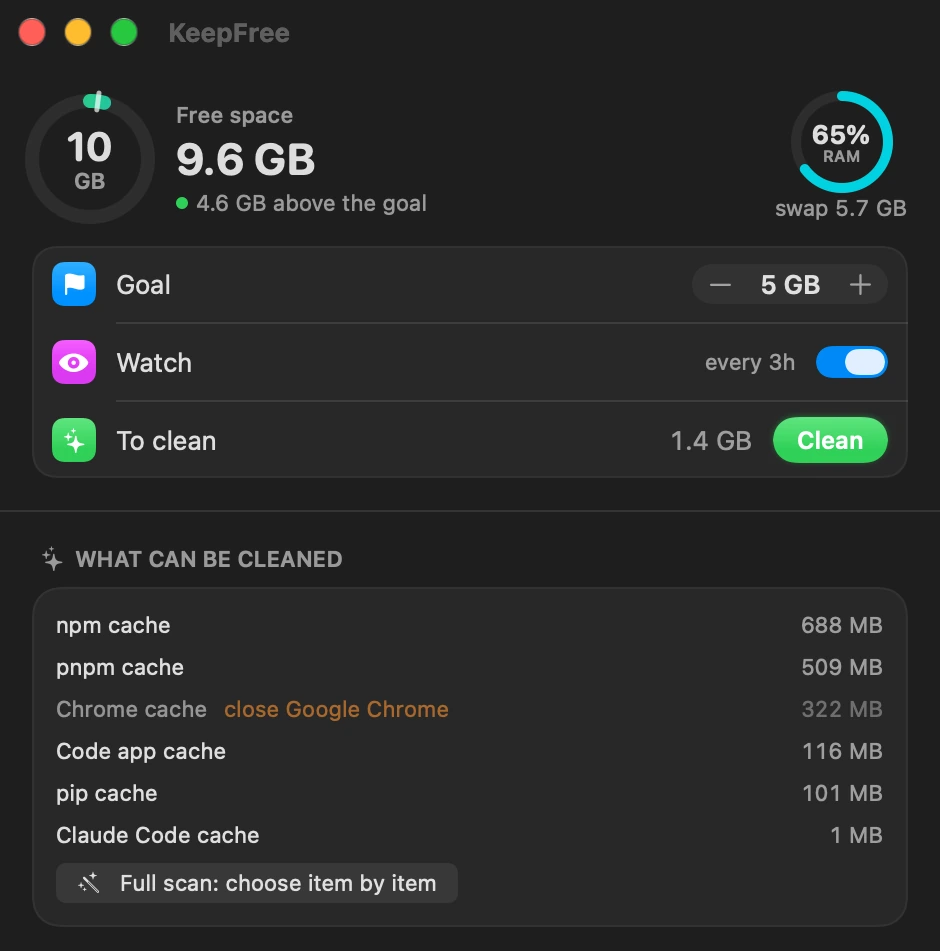
Items and sizes from a real Mac, from the app window screenshot.
The app
Real screenshots of the app window, at the size they show on screen. Scroll to go through them.
Available space in a ring with your target, memory in another, the watch and how much can be cleaned now.
The safe junk right now, with what is in use marked (“close Google Chrome”), and the full scan to pick the rest.
Each tool with its badge (open now, used today, idle) and how much can be cleaned without touching what you use.
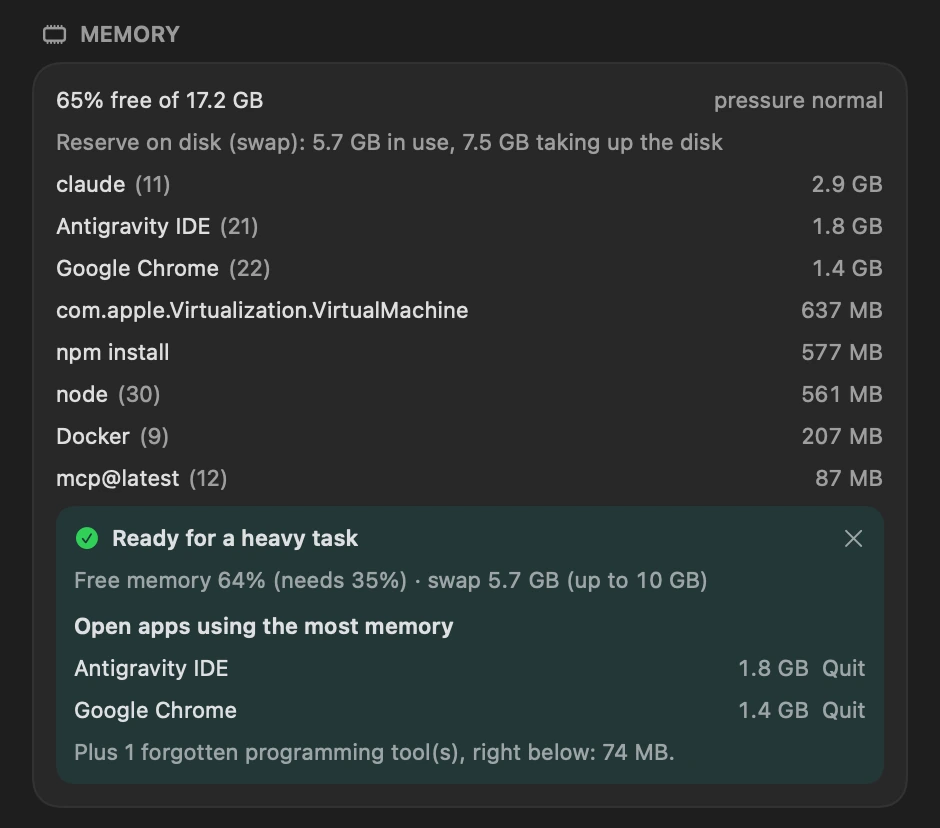
Before a build or render: whether there is enough memory and swap headroom, and the open apps using the most memory, with Close.
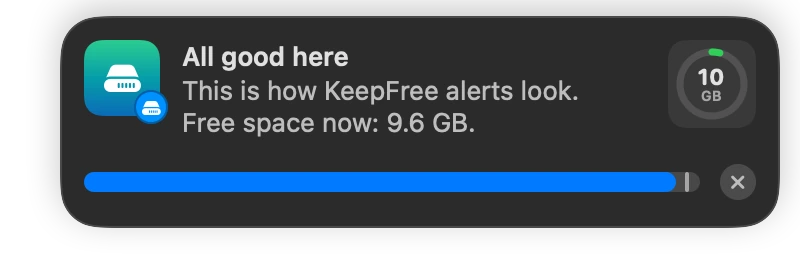
In the corner of the screen, like system notifications, with the available space next to it. It warns when the disk is getting full; with Pro, also below your target, with memory running out and with an app crashing in a loop.
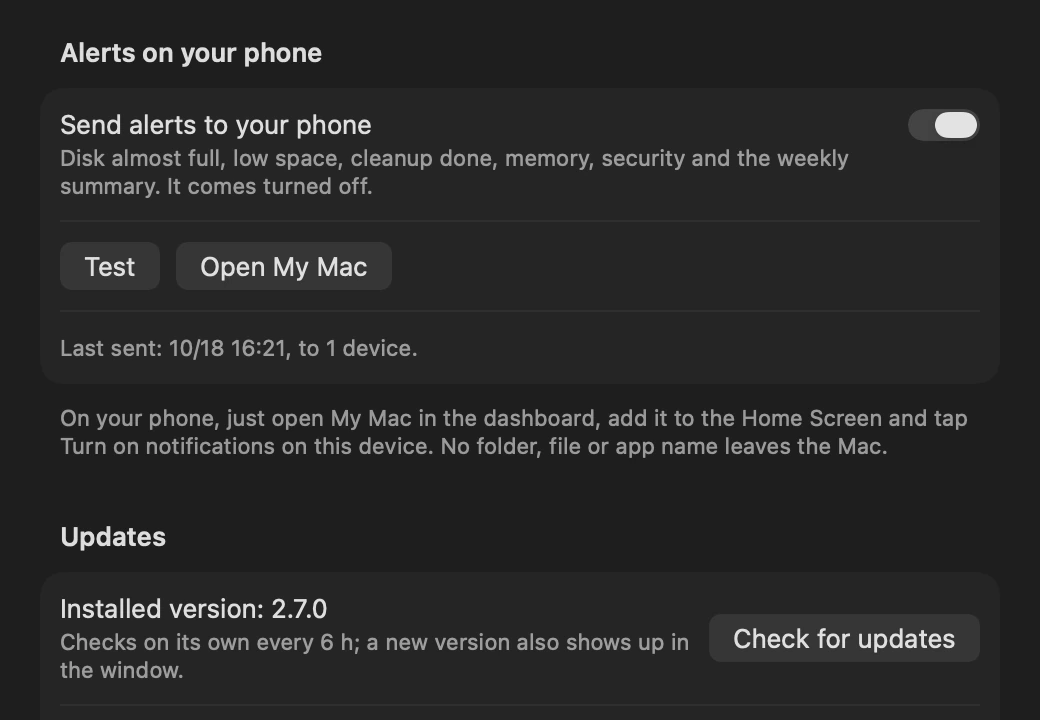
Every limit in one window, the alerts and the weekly summary on your phone (through the dashboard, no app store needed) and updates from the app.
Numbers
Every number in this section comes from the KeepFree code and is counted again on every version.
developer and AI tools, each with its usage badge (Pro)
of the watch, even with the app closed (Pro)
and it shows up in the unused apps list, with its size (Complete)
each one on a mock Mac, run on every change
in quarantine before leaving for good, with undo at any time
Counted in the code of version 2.8.1.
Pricing
Three lifetime plans for one Mac, with every update. Upgrade later from the dashboard, paying only the difference.
See what fills the disk and clean the safe junk by hand, with undo.
A watch that runs by itself and sees more: memory, developer tools and Docker.
Everything in Essential, plus:
Does it on its own and protects you: everything KeepFree does, for good.
Everything in Pro, plus:
Secure checkout by Stripe, by card. Prices in US dollars; checkout may show the amount in your local currency. All sales are final, as the Terms of Use say.
Install
The command comes in the purchase email and stays in your dashboard. The installer asks for the email and the key, activates this Mac and opens the full scan. No git and no Apple developer tools. The installer, the app and the Terminal tool speak English with you.
The key arrives by email as soon as the payment is confirmed, and stays in the dashboard.
$the command from your dashboardOpen the dashboardThe command is in the purchase email and in the dashboard. It downloads the version unlocked for your license and checks the app by SHA-256.
It activates this Mac, asks for your space target and opens the full scan.
Three lifetime plans: Essential $59, Pro $89, Complete $129, paid once by card through Stripe. No subscription, and updates are included. Prices are in US dollars; checkout may show the amount in your local currency.
Three lifetime plans, from $59. One payment by card through Stripe. The key arrives by email.
See the plans